
Why Is Online Playback Safer Than Downloading Videos? A Security Analysis
When you just want to watch a video, downloading the file seems intuitive — but in practice, that's almost always where the risk begins. Online M3U8 playback and downloading a file to play locally differ significantly in terms of system exposure, permission scope, and attack surface. This is precisely why more and more platforms offer streaming-only playback without direct download links.
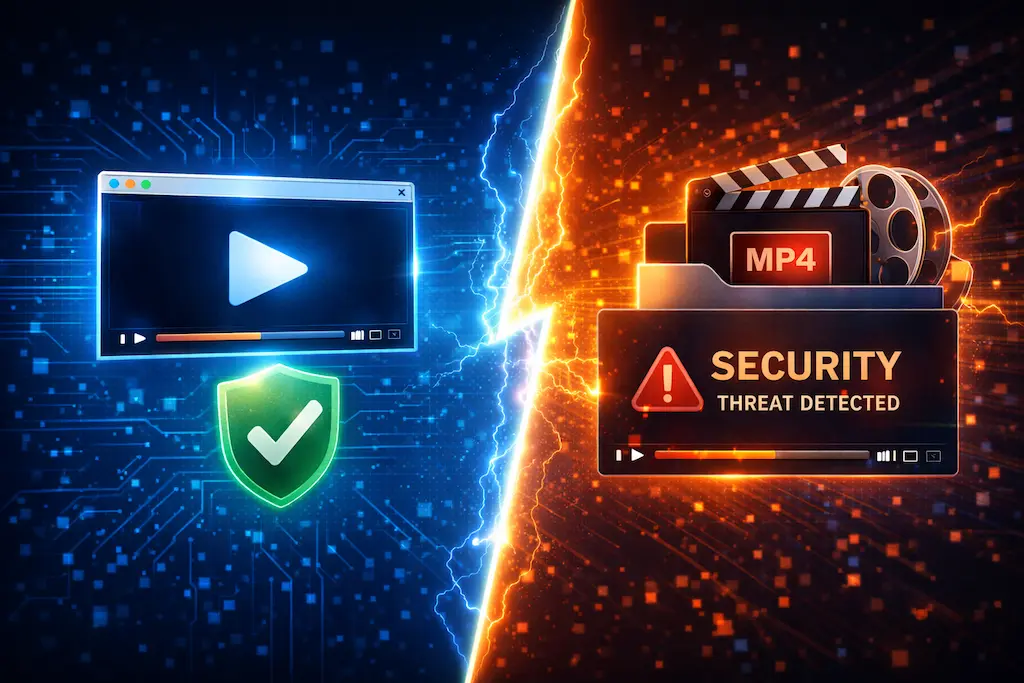
Why Does Downloading Video Create Risk?
For most users, a video file looks like harmless media content. To the operating system, however, it's a file that needs to be read and parsed — and if that file's origin is questionable, problems can follow.
Common Disguise Techniques Used by Malicious Files
In practice, the most common attack vectors include:
.exefiles disguised as video files- Extension spoofing (e.g.,
movie.mp4.exe) - Container formats embedding malicious payloads
When a user downloads and double-clicks such a file, the system isn't just "playing a video" — it's executing a local program with whatever permissions you have.
What Actually Happens During M3U8 Online Playback?
Playing M3U8 online doesn't save a video file to your computer. The browser loads video segments in real time from the stream.
M3U8 Contains No Executable Content
M3U8 is a plain-text playlist. Its contents are only segment locations and playback rules — there is no executable code of any kind. The player fetches audio/video data per the playlist instructions; it never runs unknown local files.
If you're not clear on the distinction between M3U8 and a video file: 👉 What is M3U8? Ultimate Guide
Playback Leaves No Complete File on Disk
During online playback, video segments are loaded and played in real time. A complete video file is not stored locally. When playback ends, no suspicious content remains on your system.
What Does the Browser Sandbox Protect?
The browser doesn't have direct access to your operating system — it runs within a sandboxed environment with strictly limited permissions.
What Is a Browser Sandbox?
A sandbox is an isolation mechanism that restricts what web code can do:
- Cannot freely access the hard drive
- Cannot execute system commands directly
- Cannot read data from other applications
An online player operates entirely within this constrained environment. Even if the stream source is suspect, the impact is contained within the browser.
Why Does Downloading and Playing Locally Carry More Risk?
Once you download a file, playback is no longer protected by the browser. Control is handed to the operating system and the local player.
Local Players Use a Different Trust Model
Local players generally trust the file you open. As long as the OS permits, they read and execute it directly. This is why malicious files frequently use "video download" as the entry vector onto a user's system.
Downloaded Files Persist on Disk
A downloaded file sits on your hard drive indefinitely. Even if nothing bad happens immediately, the risk continues each time the file is opened or accessed by another program in the future.
The Privacy Dimension of Streaming
Beyond malware risk, privacy is a dimension many users overlook.
Online Playback Requires No Extra Permissions
Online playback typically only involves network requests. It doesn't need access to your file system or any special system privileges — your exposure footprint is minimal.
Download Tools Often Request Excessive Permissions
Many download utilities ask for:
- System administrator privileges
- Background process persistence
- Access to browser data
For someone who just wants to watch a video, none of these are necessary.
Why Do Many Platforms Intentionally Disable Download?
From a platform perspective, restricting downloads isn't purely about content rights — it's also about user safety.
Streaming Makes Risk Easier to Control
Through streaming, platforms can:
- Control the playback environment
- Issue time-limited URLs
- Reduce the chance of content being re-distributed or misused
These mechanisms ensure content exists only during its playback window, not permanently on a user's device.
When Is Downloading Actually Reasonable?
Downloading isn't inherently wrong — it just requires knowing the source and purpose clearly.
Reasonable Cases for Downloading
- Files from official, trusted platforms
- Content you've confirmed is from a trusted source
- Content you legitimately need for offline viewing or backup
Cases Where You Should Avoid Downloading
- Streams from unknown sources
- Links shared on forums or random sites
- Anything that requires installing a dedicated "downloader" tool
Practical Recommendation
If your goal is simply "can this stream play?" or "what's this content?", online playback is almost always the simpler and safer option. For help choosing a playback method: 👉 How to Play M3U8: Complete Guide
FAQ
Is online playback completely risk-free?
Nothing is zero-risk, but online playback confines the risk to the browser's sandbox — which is significantly more contained than local file execution.
Can downloading an M3U8 file itself infect your device?
M3U8 is a plain text file, so the file itself can't. However, the download process may redirect you to install additional software — which is the actual risk.
Why do so many security advisories warn against downloading videos from unknown sources?
Because a downloaded file enters the operating system directly, making the attack surface dramatically larger than browser-based streaming.
Ready to test your M3U8 stream?
🚀 Try the M3U8 Online Player