
M3U8 Encryption & DRM Explained: Why Some Streams Simply Won't Play
When many people first use an M3U8 player, the most common frustrating scenario is this: you have a URL that looks perfectly normal, you paste it into a player, and all you get is a black screen with no error message. The instinct is to blame the player. In most cases, the real reason is that the video itself is encrypted or DRM-protected — and that's completely by design.
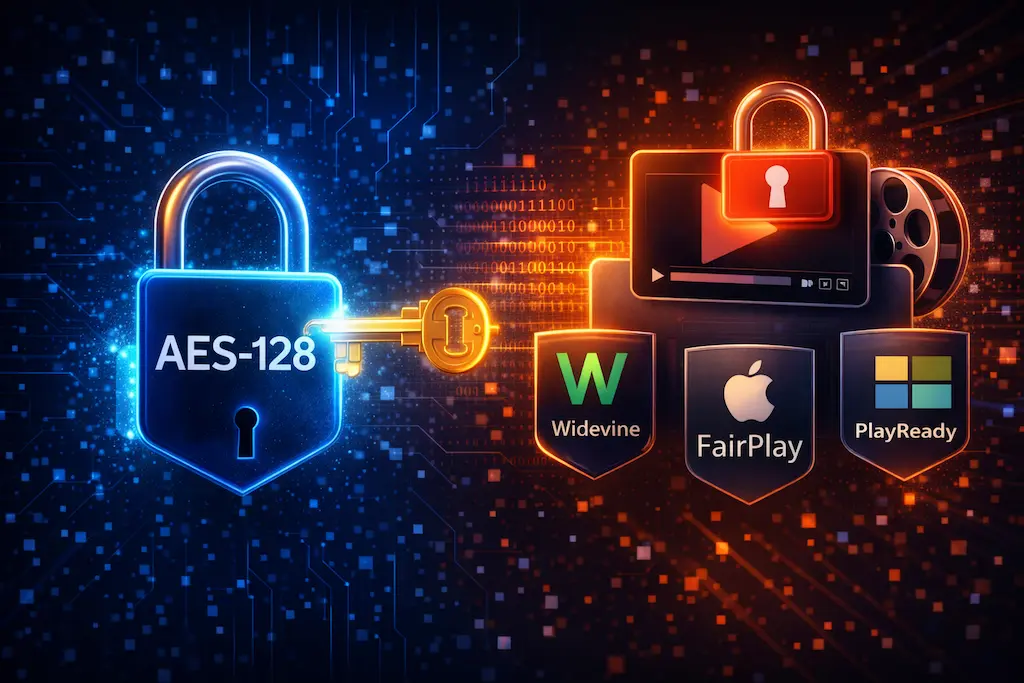
Why Do Some M3U8 Streams Refuse to Play?
In the streaming world, not all M3U8 streams are "publicly playable." Whether a player can play a stream depends entirely on whether that stream was designed to be open.
Open Streams vs. Encrypted Streams
Open streams are typically used for tutorial videos, public test streams, and open live broadcasts. Anyone with the M3U8 URL can play them directly.
Encrypted streams protect content — they can only be decrypted and played under specific conditions.
When you put an encrypted M3U8 into a standard player, the player has no decryption key and no way to decode the video data. The result: a black screen.
This Is Not a Player Bug
From the player's perspective, it's doing exactly what it should: following the M3U8 instructions and downloading the segments. When those segments are encrypted and no key is available, the player has completed its job — it just can't decode the result.
For background on how the playback flow works: 👉 M3U8 & HLS Protocol Explained
The Most Common HLS Encryption: AES-128
The most basic and widespread encryption method used in HLS is AES-128.
How Does AES-128 Appear in M3U8?
If an M3U8 uses AES-128 encryption, you'll typically see something like this in the file:
#EXT-X-KEY:METHOD=AES-128,URI="https://example.com/key"
This indicates that the video segments are encrypted. The player must first retrieve the key from the specified URI before it can decrypt and play the segments.
Why Do Some AES-128 Streams Play and Others Don't?
The key question is: is the decryption key publicly accessible?
- If the key URI is open to any request, the player can download it and decrypt the stream successfully
- If the key URI also has access restrictions, the player gets stuck — and you see a black screen
In general, players built on HLS.js or ArtPlayer do support AES-128 decryption, provided the entire decrypt flow is publicly accessible.
More Advanced Protection: What Is DRM?
When you try streaming content from Netflix, Disney+, or similar platforms, it will almost certainly fail in any third-party player. The reason is DRM (Digital Rights Management).
How Is DRM Different from AES-128?
AES-128 is simple content encryption — get the key, decrypt the content.
DRM is a complete rights management system that includes:
- User authentication
- Device authorization
- Playback environment restrictions
Even if you can see the M3U8 file, that doesn't mean you have the rights to play it. The authorization exists at a level the M3U8 file doesn't expose.
Common DRM Systems
The most widely deployed DRM systems today are:
- Widevine — Used by Google, widely deployed on Android and Chrome
- FairPlay — Apple's DRM, required for iOS/Safari playback
- PlayReady — Microsoft's DRM, used on Windows platforms
All of these require official players and an authorized licensing flow that standard web players cannot replicate.
How to Quickly Tell If a Stream Is DRM-Protected
There are some practical, intuitive ways to spot DRM streams.
Look at the Source
If the stream comes from any of these platforms, DRM is a near-certainty:
- Netflix
- Disney+
- Amazon Prime Video
- Any major paid streaming service
These platforms' M3U8 streams are deliberately designed to prevent playback outside their official apps.
Look at the M3U8 Content
Some DRM streams have extremely complex M3U8 files — possibly with encrypted or obfuscated content, and long authentication parameters. This usually signals tightly controlled playback rights.
How to Check If Your M3U8 Is Encrypted
If you want to check yourself, here's the simplest method.
Open the M3U8 File in a Text Editor
Since M3U8 is plain text, you can open it in Notepad and search for these keywords:
METHOD=AES-128METHOD=SAMPLE-AES#EXT-X-KEY
If any of these appear, the stream uses encryption.
For more on reading M3U8 file structure: 👉 M3U8 File Structure Explained
Why Don't Players Support DRM?
This is a design choice, not a technical limitation. Online players like this one are built as testing tools, intended for:
- Testing open/public streams
- Verifying that a playback flow works correctly
- Diagnosing source-side issues
DRM is a rights enforcement system that requires official licensing agreements and authorized playback infrastructure. That's fundamentally outside the scope of a testing tool — and deliberately so.
Not supporting DRM bypass is a deliberate, principled decision. When you encounter a DRM stream, the correct response is to understand why it won't play — not to try to force it.
The Right Mindset When Using a Player
If you paste an M3U8 into a player and you see:
- No picture
- No error message
- The same result in every player you try
That's almost certainly encryption or DRM at work, not a tool malfunction.
If you want to verify that a non-encrypted M3U8 stream can play, go back to: 👉 How to Play M3U8: Complete Guide, or paste the URL directly into this site's M3U8 Player for a quick check. If playback succeeds and you need to download the stream as MP4, try the HLS Downloader.
FAQ
Why does a public live stream play while a platform video doesn't?
The public stream is open by design; the platform video is protected by encryption or DRM.
Does AES-128 always mean the stream won't play?
No. It depends on whether the decryption key is publicly accessible. Open keys → plays fine. Restricted keys → black screen.
Will players ever support DRM?
General-purpose testing players won't, because DRM requires official licensing agreements and a complete authorized playback environment — not something a developer tool can or should replicate.
Ready to test your M3U8 stream?
🚀 Try the M3U8 Online Player